Free GPT Image 2 Image Generator
A short text idea or a sample image is all it takes for this free GPT Image 2 image generator to produce clean multilingual artwork fast, without registration.
Feedback
Loading...
freeTrialImage.bannerPity
freeTrialImage.upgradeUnlock
- ✓freeTrialImage.benefitHd
- ✓freeTrialImage.benefitWatermark
- ✓freeTrialImage.benefitUnlimited
All Tools
Browse AI tools
MiniMax H3
MiniMax H3 AI Video Generator
Seedance 2.5
The Future of AI Video Is Here.

Seedance 2.0
The Future of AI Video Is Here.

Kling 3.0
Next-Gen AI Video Generator
Grok Video Generator
Create Videos from Text or Images with AI
MiniMax H3 video generator
MiniMax H3 AI Video Generator

Seedance 2.0
The Future of AI Video Is Here.

3D Science Video
Create 3D science videos easily
AI Image Editor Examples
See what our AI Image Editor can do. Remove backgrounds, change styles, enhance photos instantly.
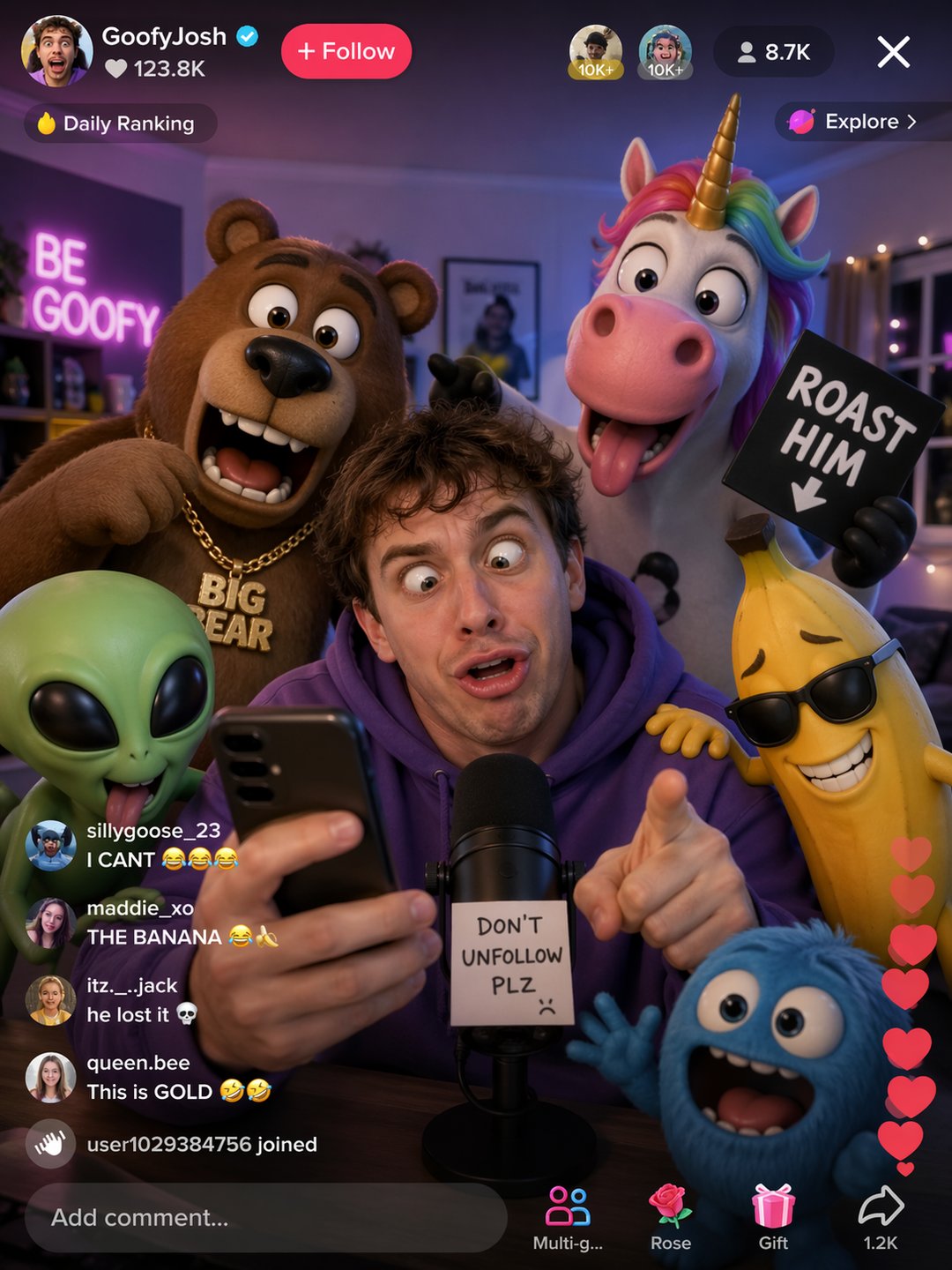


Free GPT Image 2 Image Generator — Clear Text, Realistic Scenes
This engine blends layout awareness with native multilingual lettering, so you can produce catalog shots, ad creative, and batch variants that share one visual voice.
- Text That Reads NaturallyEnglish, Chinese, Japanese, Korean, and more appear with correct spacing, angle, and perspective—no warped letters or awkward overlaps.
- Lifelike Lighting and DetailRendered reflections, shadows, and anatomy look natural, giving product scenes and portraits a finished, camera-made feel.
- Repeatable Styles Across BatchesKeep characters, colors, and layouts aligned from one image to the next, making campaign sets and catalog updates easier to scale.
Why Choose GPT Image 2 AI Image Generator
GPT Image 2 AI Image Generator gives creators commercial‑grade output fast: accurate text rendering, world‑aware composition, and consistent visuals across iterations—so teams ship polished imagery with less rework.

Free GPT Image 2 Image Generator: Three Steps to Finished Art
Write a short brief or add a sample image, choose your format, then let the tool render. Download the result or spin consistent variants for more placements.
What the Free GPT Image 2 Image Generator Does Best
From multilingual lettering to scene logic and high-resolution exports, the tool is built for assets that need to look finished.
Text That Fits the Scene
Words sit naturally on labels, signs, and packaging in many languages, with perspective and spacing that look designed rather than pasted.
Smart Spatial Layout
The tool places subjects, props, and backgrounds in believable positions, even when a prompt describes a busy or layered scene.
Camera-Like Realism
Lighting, reflections, and surface texture come through with enough detail for product shots, portraits, and editorial-style visuals.
Steady Characters and Palettes
Repeat a look across a series with consistent outfits, colors, and framing, so brand sets and story panels feel connected.
Continuity for Visual Stories
Build comic panels, storyboards, or step-by-step scenes with recurring characters and a visual flow that holds together.
Export-Ready Resolution
Save sharp files suited to web pages, marketplaces, social posts, and print layouts without extra upscaling steps.
Questions About the Free GPT Image 2 Image Generator
Find quick answers on cost, text accuracy, file formats, edits, and privacy before you start creating.
What can the Free GPT Image 2 Image Generator create?
It makes original visuals from text or a sample image, including product scenes, ad graphics, social posts, and multilingual designs with readable lettering.
Is it really free to try?
Yes. The basic mode offers daily free images, so you can test prompts and formats before deciding whether to use higher-resolution options.
Do I need design experience?
No. A clear sentence or reference picture is enough; the tool handles layout, lighting, and text placement for you.
Which file types can I upload and download?
You can add JPG, PNG, JPEG, or WEBP files up to 10MB, then download high-resolution results for web, marketplaces, or print.
Can I make edits and variations?
Yes. Rerun a prompt, adjust the aspect ratio, or ask for related versions to compare layouts and keep a campaign visually consistent.
How is my image data handled?
Uploads are processed to fulfill your request, and paid plans can add stronger data controls and integration options for business workflows.
Put the Free GPT Image 2 Image Generator to Work
Bring a prompt or sample image and get a finished visual in minutes. Use this free GPT Image 2 image generator for clean text, realistic detail, and fast variations.